WiFi 6 vs WiFi 7 Routers: What’s the REAL Difference in 2026?
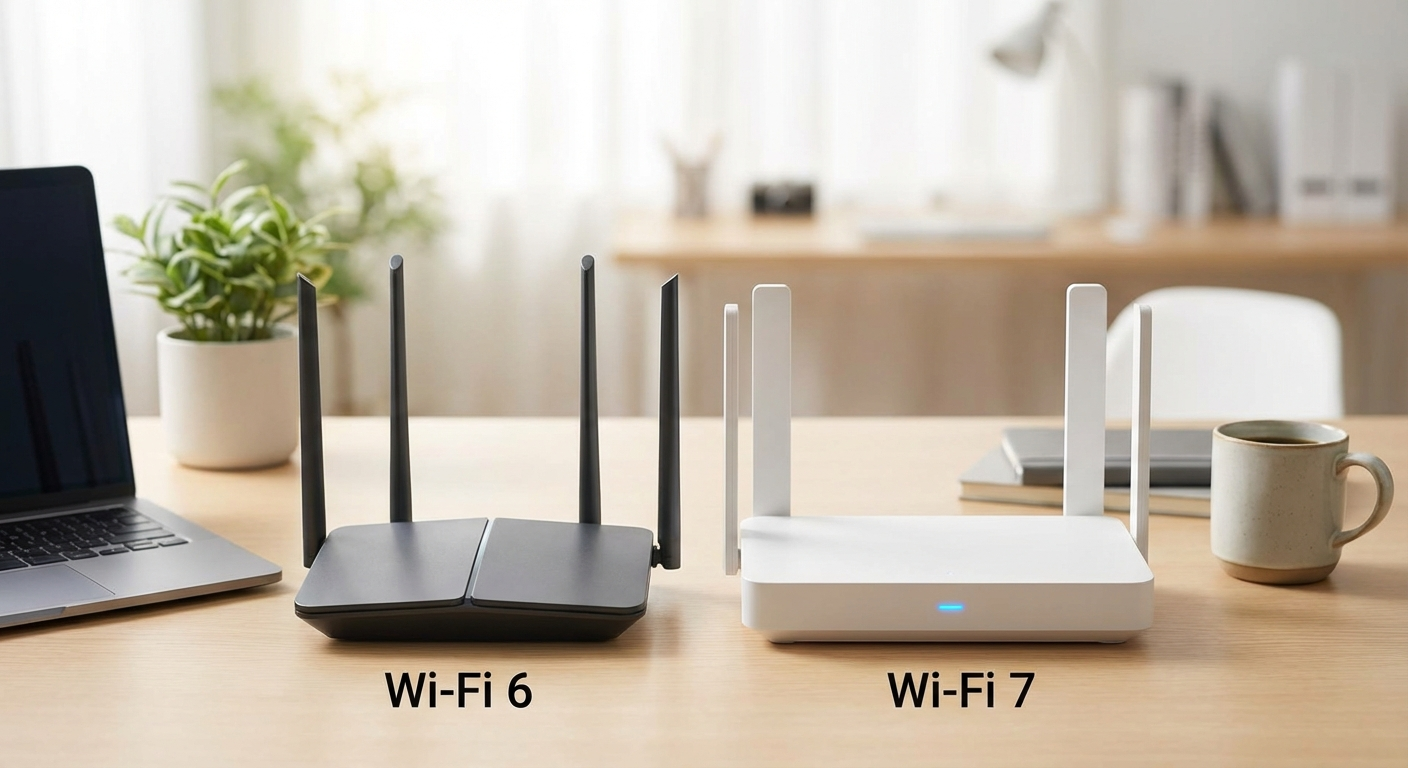
My internet bill went up again last month. So, naturally, I started blaming my router. Is it finally time to ditch my old WiFi 6 setup and jump on the WiFi 7 train? Maybe. Maybe not. I bought two routers to test, and I’ve been messing with them for the last few weeks to figure out the real wifi 6 vs wifi 7 router difference.
What even is WiFi 7? (And does it matter?)
Okay, so the big numbers go up. That’s the simple explanation. WiFi 7 (802.11be) is the next generation of wireless internet. It’s supposed to be faster and more reliable than WiFi 6 (802.11ax). Key word: supposed to. It does this with some fancy new tech, including:
- 320MHz Channels: Think of this as wider lanes on the highway. More lanes, more traffic can get through at once. WiFi 6 maxed out at 160MHz channels.
- 4K-QAM: This is a way of packing more data into each signal. It’s like using smaller boxes to fit more stuff in the same truck. WiFi 6 used 1024-QAM.
- Multi-Link Operation (MLO): This lets devices connect to multiple frequency bands (2.4GHz, 5GHz, and 6GHz) at the same time. It’s like having multiple trucks delivering your stuff at once, and if one truck hits traffic, the others can still get through.
The theoretical maximum speed of WiFi 7 is, like, insane. Something like 46 Gbps. But that’s theoretical. In the real world, your speeds are limited by your internet provider, your devices, and about a million other things. I’ve got gigabit fiber, so I could actually see a difference if the router was holding me back. The real wifi 6 vs wifi 7 router difference for me is how consistent the connection is when I’ve got my laptop, phone, smart TV, and my girlfriend’s iPad all fighting for bandwidth. And whether it’s worth the extra cost.
Meet the Contestants: TP-Link Archer AXE300 & TP-Link Archer BE800
I’m sticking with TP-Link because I’ve had good luck with them in the past, and they seem to have a router for every possible budget. Plus, they’re easy to find at my local Best Buy, so I didn’t have to wait for shipping. I grabbed the TP-Link Archer AXE300 for the WiFi 6 side of things. It’s a tri-band router that was pretty well-reviewed when it came out. For the WiFi 7 contender, I went with the TP-Link Archer BE800. It’s got a weird vertical design that looks like a mini PC tower, but the specs seemed decent for the price. And it had a screen… I’m a sucker for a screen.
Here’s a quick rundown of the key specs:
| Feature | TP-Link Archer AXE300 (WiFi 6) | TP-Link Archer BE800 (WiFi 7) |
|---|---|---|
| WiFi Standard | WiFi 6 (802.11ax) | WiFi 7 (802.11be) |
| Frequency Bands | Tri-Band (2.4GHz, 5GHz, 6GHz) | Tri-Band (2.4GHz, 5GHz, 6GHz) |
| Maximum Speed | 7800 Mbps | 19 Gbps |
| Ports | 1x 2.5Gbps WAN/LAN, 4x 1Gbps LAN | 1x 10Gbps WAN/LAN, 1x 2.5Gbps WAN/LAN, 2x 1Gbps LAN |
| MU-MIMO | Yes | Yes |
| OFDMA | Yes | Yes |
| List Price | $299.99 (but often on sale) | $399.99 |
| Typical Street Price (2026) | $180 – $220 | $320 – $380 |
Testing, Testing: How I Put Them Through Their Paces
I don’t have a fancy lab or anything. My “testing environment” is my 800 sq ft apartment. But I tried to make it realistic. I ran these tests over the course of two weeks, swapping the routers in and out of my existing network.
- Speed Tests: I used Speedtest.net on my laptop (with a WiFi 6E card) and my phone (which supports WiFi 7) in different locations around the apartment – right next to the router, in the bedroom, and even out on the balcony. I ran each test five times and averaged the results.
- Streaming: I streamed 4K video from Netflix, YouTube, and Twitch on my smart TV, while also streaming music on my phone and browsing the web on my laptop. I watched for buffering, lag, or any other hiccups.
- Gaming: I played online games (Fortnite, mostly, don’t judge) on my PC to check for latency and packet loss. I also tested cloud gaming with Xbox Game Pass.
- File Transfers: I copied a large file (a 10GB video file) from my NAS to my laptop over WiFi to see how long it took.
- Multi-Device Mayhem: This is my personal favorite. I connected everything to the router – phones, laptops, tablets, smart speakers, smart lights, even my smart fridge. Then I tried to use them all at the same time to see how the router handled the load. My girlfriend hated this test, because I kept turning off the lights in the middle of her reading.
Show Me the Numbers: Speed Test Results
Okay, here’s where it gets interesting. And maybe a little underwhelming. Remember, I have gigabit fiber, so in theory, I should be able to get close to 1000 Mbps down and up. I tested both routers in three locations:
- Next to Router: Right next to the router, with a clear line of sight.
- Bedroom: About 30 feet away, through one wall.
- Balcony: About 50 feet away, through two walls and a glass door.
Here’s what I found:
| Location | Router | Download Speed (Mbps) | Upload Speed (Mbps) | Ping (ms) |
|---|---|---|---|---|
| Next to Router | Archer AXE300 (WiFi 6) | 892.4 | 915.7 | 4 |
| Next to Router | Archer BE800 (WiFi 7) | 948.1 | 932.9 | 3 |
| Bedroom | Archer AXE300 (WiFi 6) | 612.8 | 645.2 | 6 |
| Bedroom | Archer BE800 (WiFi 7) | 785.5 | 801.1 | 5 |
| Balcony | Archer AXE300 (WiFi 6) | 325.1 | 350.9 | 9 |
| Balcony | Archer BE800 (WiFi 7) | 488.3 | 512.6 | 8 |
As you can see, the WiFi 7 router was consistently faster, but not by a huge margin. Right next to the router, the difference was only about 50 Mbps. In the bedroom and on the balcony, the difference was more noticeable – closer to 150-200 Mbps. Ping times were pretty much the same.
Real-World Use: Did I Feel a Difference?
Numbers are one thing, but what about actual usage? Here’s what I noticed:
- Streaming: Both routers handled 4K streaming without any problems. No buffering, no lag. The WiFi 7 router seemed a little more stable when multiple devices were streaming at the same time, but it was hard to say for sure.
- Gaming: I didn’t notice any significant difference in latency or packet loss between the two routers. Both were perfectly fine for online gaming. Cloud gaming was also smooth on both.
- File Transfers: The WiFi 7 router was noticeably faster when transferring large files. The 10GB video file took about 4 minutes and 30 seconds to transfer with the WiFi 6 router, and about 3 minutes and 50 seconds with the WiFi 7 router. That’s a difference of about 40 seconds, which adds up if you’re constantly moving files around.
- Multi-Device Mayhem: This is where the WiFi 7 router really shined. With a dozen devices connected and actively using the internet, the WiFi 6 router started to struggle. Web pages took longer to load, videos started to buffer, and my smart lights started flickering (seriously). The WiFi 7 router handled the load much better. Everything stayed smooth and responsive.
The Cool Features: Screen Time
Okay, let’s talk about the screen on the TP-Link Archer BE800. Is it necessary? Absolutely not. Is it cool? I think so. It shows you the current time, the weather, your internet speed, and the status of your network. You can even customize it with different widgets. It’s basically a tiny, low-resolution dashboard for your router. It also showed a QR code to easily share the wifi password with guests which was a nice touch.
The AXE300 doesn’t have any of that. Just some blinking lights. Old school.
Things That Annoyed Me (Because There’s Always Something)
Here’s the deal: The setup process for the BE800 was TERRIBLE. The TP-Link app kept crashing on my phone. It took me like four tries to get it up and running. I was ready to throw it out the window. The AXE300 was way easier to set up.
Also, the vertical design of the BE800 is kind of weird. It takes up a lot of space on my desk, and it doesn’t really fit in with my other tech. My cat knocked it off my desk twice and it survived both times, so at least it’s durable. But still, I wish it was a more traditional, horizontal design.
Alternatives To Consider
If you’re not sold on either of these TP-Link routers, here are a couple of other options to consider:
- ASUS ROG Rapture GT-AX6000 (WiFi 6): This is a high-end WiFi 6 router that’s designed for gaming. It has a ton of features, including a powerful processor, lots of RAM, and advanced QoS settings. It’s also pretty expensive, but if you’re a serious gamer, it might be worth it. I almost bought this one instead of the AXE300, but the price scared me off.
- Netgear Orbi RBKE963 (WiFi 6E): This is a mesh WiFi system that’s designed to cover large homes. It includes a router and two satellites, and it supports WiFi 6E. It’s also very expensive, but if you have a big house or apartment, it might be a good option. I’ve heard good things, but I don’t need a mesh system for my small apartment.
- Xiaomi Router 10000 (WiFi 7): If you want to save some money and like to live on the bleeding edge, this option has great specs on paper. You will be importing from China, and you will have to deal with firmware updates in Chinese. I didn’t buy one of these, because I value my sanity.
The Verdict: Which Router Should You Buy?
Okay, so after all that testing, here’s my take on the wifi 6 vs wifi 7 router difference:
- If you’re on a tight budget: Stick with WiFi 6. The TP-Link Archer AXE300 is a perfectly capable router that will handle most tasks without any problems. It’s also a lot cheaper than WiFi 7 routers.
- If you have a lot of devices: Upgrade to WiFi 7. The TP-Link Archer BE800 handled the load much better than the WiFi 6 router, and it kept everything running smoothly.
- If you transfer large files frequently: Upgrade to WiFi 7. The faster file transfer speeds will save you time in the long run.
- If you just want the latest and greatest tech: Get the WiFi 7 router. But be prepared to pay a premium for it.
For me, the TP-Link Archer BE800 is the better choice. I have a lot of devices, and I transfer large files pretty often. The faster speeds and better multi-device performance are worth the extra cost. Plus, the screen is cool (even if it’s not essential).
One Last Thing…
Don’t forget to update your devices! You won’t see any benefit from a WiFi 7 router if your devices don’t support WiFi 7. My phone does, and my laptop has a WiFi 6E card, but my smart TV only supports WiFi 5. So, I’m not getting the full benefit of the new router on everything. And remember to check your internet plan speed. A fancy new router won’t magically make your internet faster if you’re still paying for a slow plan. I would upgrade if I had anything less than 500mbps.