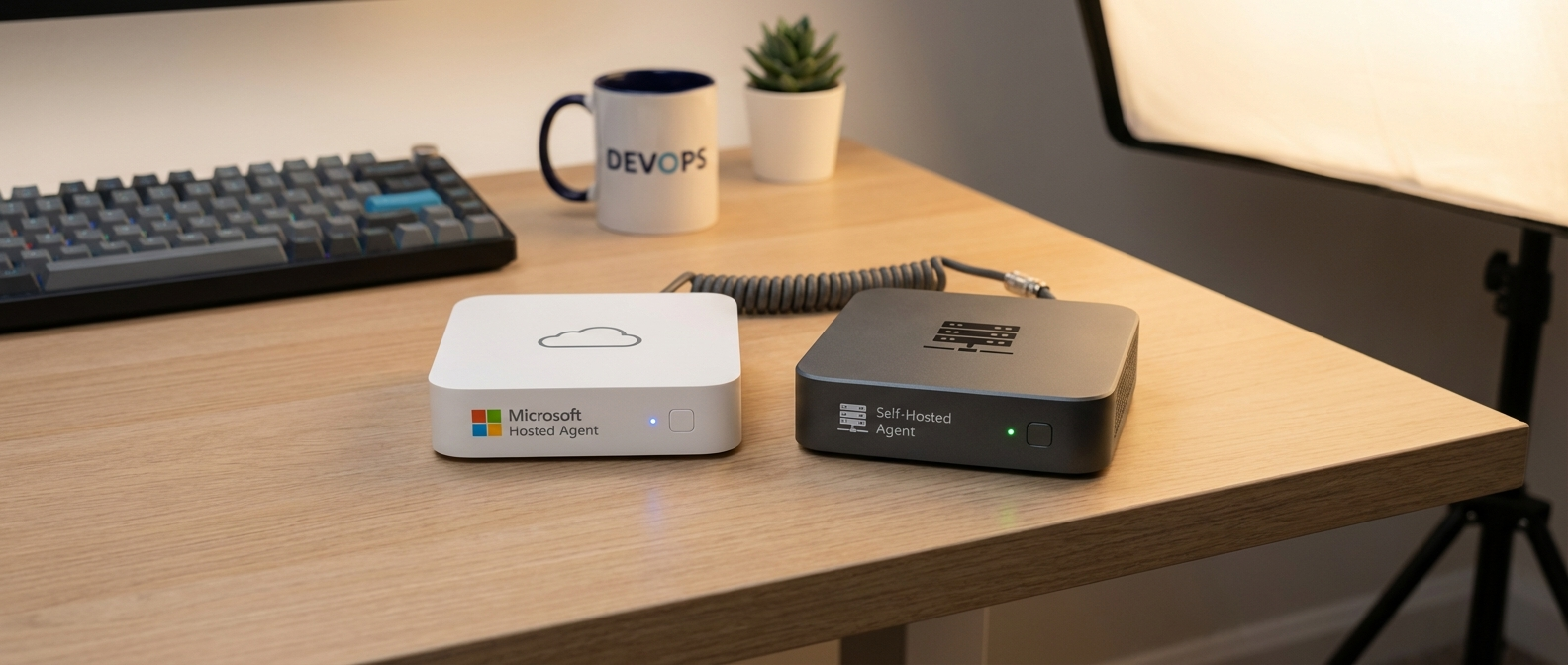
Microsoft Hosted vs. Self-Hosted Agents: Choosing Your CI/CD in 2026
Setting up a CI/CD pipeline felt like some kind of dark art the first time I tried it. I just wanted to automate some tests, not become a DevOps engineer. After a lot of trial and error (and more than a few curse words), I figured out that the agent you pick makes a huge difference. Specifically, whether you go with a microsoft hosted vs self hosted agent. It’s one of those choices that can save you time, money, or, if you screw it up, both.
I’m running Azure DevOps for my little side project. It’s nothing fancy, just a website that tracks my board game collection. But even for something this simple, automating builds and tests is a lifesaver. It saves me about 45 minutes every time I push an update, and that time adds up.

What are we even talking about? Hosted vs Self-Hosted, Explained Simply
Okay, so you’re using something like Azure DevOps, GitHub Actions, or Jenkins to automate your builds, tests, and deployments. The “agent” is the machine that actually does the work. It grabs your code, runs your scripts, and then pushes the results somewhere. There are two main options here:
- Microsoft Hosted Agents: Microsoft provides and manages the machine for you. You don’t have to worry about patching the OS, installing software, or any of that stuff. It’s like renting a pre-configured computer for a few minutes at a time.
- Self-Hosted Agents: You provide the machine. This could be your own laptop, a server in your basement, or a virtual machine in the cloud. You’re responsible for everything – the OS, the software, the security.
Which one is better? Surprise, surprise, it depends. Let’s dig into the details.
When Does It Make Sense to Use Microsoft Hosted Agents?
Hosted agents are the easy button. They’re great for:
- Simple Projects: If your build process is straightforward and doesn’t require a lot of custom software, hosted agents are usually the best choice. Think basic web apps, simple APIs, stuff like that.
- Getting Started Quickly: You can literally set up a CI/CD pipeline with hosted agents in minutes. No need to provision servers or configure anything.
- Standardized Environments: Hosted agents use pre-configured environments. This can be good if you want to ensure that your builds are consistent across different runs. Microsoft keeps the images pretty up-to-date, but you have limited control over what’s installed.
The big advantage is convenience. I was able to set up a pipeline to deploy my website to Azure App Service in like 10 minutes using a hosted agent. If I had to manage my own agent, it would have taken at least an hour, probably more.
However, there are downsides. Hosted agents have limitations. You don’t get root access, you can’t install custom drivers, and you’re limited by the resources that Microsoft provides. This can be a problem if your project requires something special.
Alright, So What’s the Deal with Self-Hosted Agents?
Self-hosted agents are more work, but they give you a lot more control. They’re a good choice for:
- Complex Projects: If your project requires specific software, libraries, or hardware, self-hosted agents are often the only option. Think projects that need specialized SDKs, GPU acceleration, or access to internal resources.
- Custom Environments: You have complete control over the environment. You can install whatever you want, configure the OS to your liking, and even use a custom kernel if you’re feeling adventurous.
- Access to Internal Resources: If your build process needs to access resources on your internal network, a self-hosted agent is usually the easiest way to do it. You can put the agent on the same network as your resources and avoid having to open up firewall ports.
I used a self-hosted agent for a project that involved building a custom Linux distribution. It needed specific kernel modules and a bunch of low-level tools that weren’t available on the hosted agents. It was a pain to set up, but it was the only way to get the job done.
The downside is that you’re responsible for everything. You have to patch the OS, install software, manage security, and make sure the agent is always available. This can be a lot of work, especially if you’re not a sysadmin.
Step-by-Step: Setting up a Self-Hosted Agent on Ubuntu 24.04
Let’s walk through setting up a self-hosted agent on Ubuntu 24.04. This is the process I used recently, and it worked pretty well. This assumes you already have an Azure DevOps organization and project set up. If not, go do that first. Estimated time: About 30 minutes, assuming your internet connection isn’t terrible.
Step 1: Create a User for the Agent
Don’t run the agent as root! That’s a security nightmare. Create a dedicated user for the agent:
sudo adduser azuredevopsagent
sudo passwd azuredevopsagent
Pick a strong password. You’ll need it later.
Step 2: Install Dependencies
The agent needs a few dependencies to run. Install them with:
sudo apt update
sudo apt install -y jq libicu-dev libssl-dev
jq is a command-line JSON processor. The other two are for SSL and internationalization support. You might need more dependencies depending on your build process, but these are the basics.
Step 3: Download and Configure the Agent
Now, log in to your Azure DevOps organization and go to “Organization Settings” -> “Agent Pools”. Click “Add pool” and create a new pool. I called mine “UbuntuAgents”.
Select your new pool, click “New Agent”, and follow the instructions. It will give you a download link and a configuration script. Something like this:
wget https://vstsagent.blob.core.windows.net/vstsagentpackage/v3.239.0/vsts-agent-linux-x64-3.239.0.tar.gz
tar zxvf vsts-agent-linux-x64-3.239.0.tar.gz
Run those commands as the azuredevopsagent user:
sudo su - azuredevopsagent
cd ~
wget https://vstsagent.blob.core.windows.net/vstsagentpackage/v3.239.0/vsts-agent-linux-x64-3.239.0.tar.gz
tar zxvf vsts-agent-linux-x64-3.239.0.tar.gz
Then, run the config.sh script. It will ask you a bunch of questions, like your Azure DevOps URL, your organization name, and the agent pool name. Just copy and paste the values from the Azure DevOps web interface.
./config.sh
When it asks you about running the agent as a service, say yes. This will make it start automatically when the server boots.
Step 4: Start the Agent
Start the agent service with:
sudo ./svc.sh start
Go back to your Azure DevOps agent pool and you should see the agent listed as “Online”. If not, check the logs in the _diag directory.
What can go wrong: Permissions issues are common. Make sure the azuredevopsagent user has write access to the agent directory. Also, make sure you have the correct version of .NET installed. The agent requires .NET 6.0 or later. If you don’t have it, install it with:
sudo apt install -y dotnet6
Step 5: Test the Agent
Create a simple pipeline that runs a shell script on the agent. This will verify that the agent is working correctly. Something like this:
steps:
- script: |
    echo "Hello, world!"
    uname -a
  displayName: 'Run a shell script'
Make sure to specify the agent pool you created in the pipeline configuration. Run the pipeline and check the output. If everything is working correctly, you should see the “Hello, world!” message and the output of the uname -a command.
Azure DevOps Agent Pricing: Hosted vs Self-Hosted
Okay, let’s talk money. Azure DevOps pricing is a bit convoluted, but here’s the gist:
- Hosted Agents: You get a certain number of free minutes per month. For public projects, it’s a generous amount. For private projects, it’s enough for small teams. After that, you pay per minute. As of today, it’s around $0.05 per minute for Windows and Linux agents. macOS agents are more expensive, around $0.16 per minute.
- Self-Hosted Agents: You pay for the infrastructure. This could be the cost of a server in your basement or a VM in the cloud. You also have to factor in the cost of your time to manage the agent.
For small projects, hosted agents are usually cheaper. You probably won’t exceed the free minutes. But for larger projects, or projects that run frequently, self-hosted agents can be more cost-effective. Especially if you already have spare hardware lying around.
I ran some calculations for my website project. It takes about 4.1 seconds to load and run the unit tests on a hosted agent. I deploy about 10 times a week. That works out to around 35 minutes per month. Well within the free tier. But if I were deploying 10 times a day, it would cost me about $10 a month. Not a huge amount, but it adds up. I could probably run a small VM for less than that.
One thing to consider: Microsoft gives you one free self-hosted agent with Azure DevOps. You can use it to experiment or run small workloads without paying anything extra (beyond the cost of the VM). It’s not well-advertised, but it’s a nice perk.
Microsoft Hosted vs Self Hosted Agent: A Table for the Decision-Impaired
| Feature | Microsoft Hosted Agent | Self-Hosted Agent |
|---|---|---|
| Setup | Easy | More Complex |
| Maintenance | None | Your Responsibility |
| Cost | Pay-per-minute after free tier | Infrastructure Cost |
| Customization | Limited | Full Control |
| Access to Internal Resources | Requires workarounds (e.g., VPN) | Easy |
| Security | Microsoft’s Responsibility | Your Responsibility |
| Scalability | Easy | Requires More Planning |
Beyond the Basics: More Agent Options in 2026
The choice isn’t always just microsoft hosted vs self hosted agent. There are some other options to consider.
- Azure Container Instances (ACI): You can use ACI to run your build agents in containers. This gives you more control over the environment than hosted agents, but less overhead than managing a full VM. It’s a good middle ground.
- GitHub Actions Runners: If you’re using GitHub Actions, you can use GitHub-hosted runners or self-hosted runners. The same principles apply as with Azure DevOps.
- Cloud Build (Google Cloud): Google Cloud Build offers similar options to Azure DevOps. You can use Google-managed workers or create your own custom workers.
- GitLab CI/CD: GitLab CI/CD also supports both shared runners (similar to hosted agents) and specific runners (similar to self-hosted agents).
Each of these options has its own pricing model and features. It’s worth exploring them to see which one best fits your needs.
Annoyances I Encountered (So You Don’t Have To)
I spent about 8 and a half hours setting up a self-hosted agent the first time. Most of that time was wasted on stupid permission issues. Specifically, SELinux was blocking the agent from accessing some files. I hate SELinux. It’s like a security guard that’s so overzealous that it prevents you from doing anything useful. I eventually figured out how to configure SELinux to allow the agent to run, but it was a major pain.
The other annoyance was that the Azure DevOps documentation is sometimes outdated or incomplete. I had to piece together information from multiple sources to get everything working correctly. Microsoft could do a better job of keeping their documentation up to date. The official documentation is a good starting point, but don’t rely on it exclusively.
Security Considerations: Don’t Be Dumb
Security is important, especially with self-hosted agents. You’re responsible for securing the machine, so don’t take it lightly.
- Keep the OS patched: Regularly update the OS and software on the agent machine.
- Use strong passwords: Don’t use default passwords or weak passwords.
- Limit access: Only grant access to the agent machine to authorized users.
- Use a firewall: Configure a firewall to block unauthorized access to the agent machine.
- Monitor the agent: Monitor the agent for suspicious activity.
- Don’t store secrets in code: Use Azure Key Vault or a similar service to store secrets.
If you’re using a self-hosted agent to access internal resources, make sure to secure your internal network as well. Don’t expose sensitive resources to the internet without proper authentication and authorization.
Final Thoughts: Microsoft Hosted vs Self Hosted Agent for Your Project
The choice between microsoft hosted vs self hosted agent really depends on your project. If you’re just starting out, or if your project is simple, hosted agents are usually the best choice. They’re easy to set up and maintain, and they’re often cheaper for small workloads. But if your project is complex, or if you need access to specific software or hardware, self-hosted agents are the way to go. They give you more control and flexibility, but they also require more work.
Think about your specific requirements, weigh the pros and cons, and choose the option that makes the most sense for you. Don’t be afraid to experiment with both types of agents to see which one works best. And remember to factor in the cost of your time. Sometimes, paying a little extra for a hosted agent is worth it to save yourself the hassle of managing a self-hosted agent.