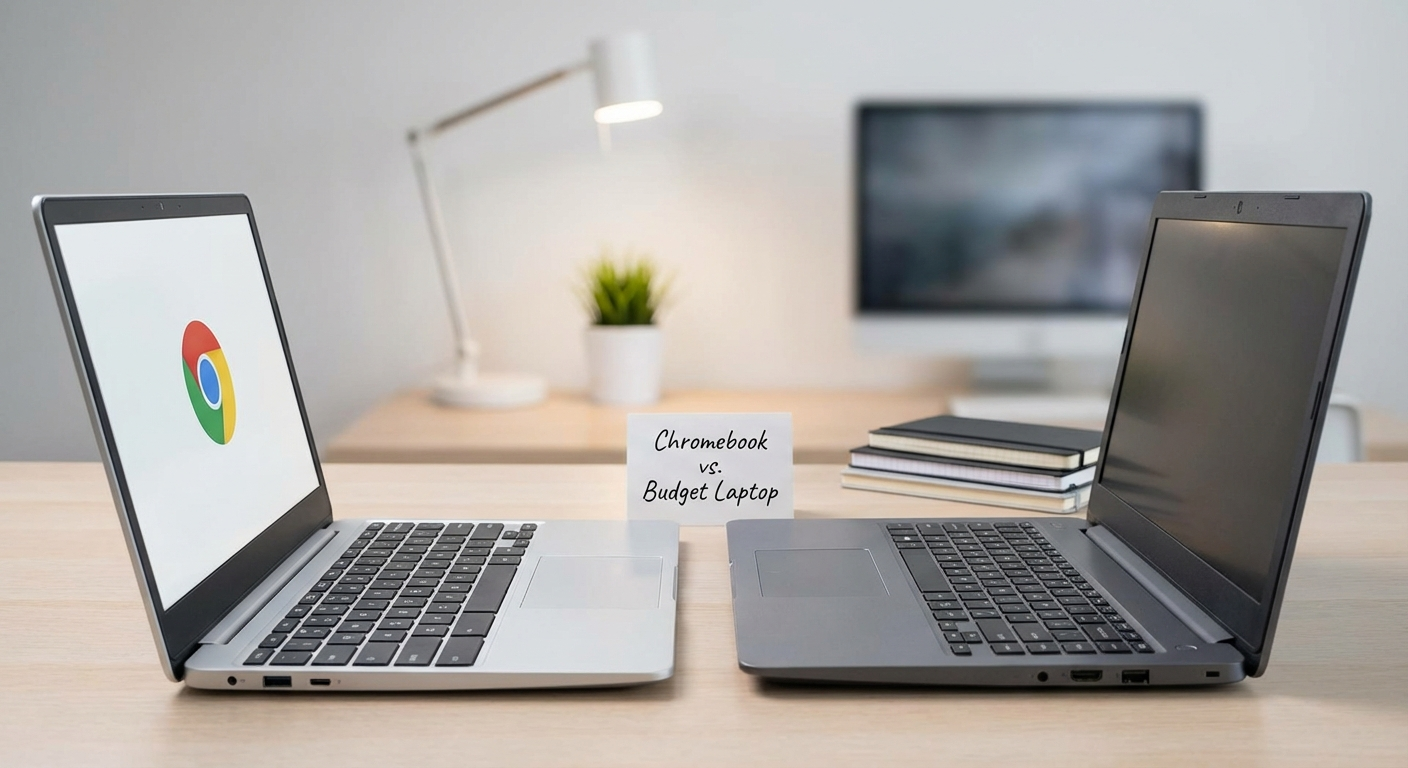
Okay, let’s settle this once and for all. When you’re strapped for cash, is a Chromebook or a laptop the better way to go? I’ve spent the last few weeks wrestling with this, and here’s my honest take.
Chromebook vs Laptop Budget: The Core Question
The big question when you’re looking at a *chromebook vs laptop budget* is: what do you *actually* need to do? A lot of people automatically think “laptop” because that’s what they’re used to. But honestly, for everyday tasks, a Chromebook can be a shockingly good deal.
I’ve been a long-time advocate for budget tech, and I’ve seen both sides of this coin. I’ve cursed out a struggling budget laptop as much as I’ve been pleasantly surprised by a snappy Chromebook handling tasks it really shouldn’t be able to do.
Here’s the thing: Chromebooks are designed for simplicity. They run ChromeOS, which is essentially a souped-up web browser. That means they rely heavily on web apps and cloud storage. Laptops, on the other hand, run Windows or macOS, which are full-fledged operating systems.
Why the Acer Chromebook Spin 713 (CP713-3W) Might Be the Best All-Arounder
If I had to pick *one* Chromebook to recommend right now, it would be the Acer Chromebook Spin 713 (CP713-3W). You can often find this on sale for around $400-$500. And frankly? It feels more expensive than it is.
Why?
* **The Screen:** That 2256×1504 resolution screen is gorgeous. Seriously. It’s bright, sharp, and the 3:2 aspect ratio is fantastic for productivity (more vertical space!). I’ve spent hours writing on this thing, and my eyes don’t feel nearly as strained as they do with some of the cheaper 1080p laptop screens I’ve used.
* **Performance:** The Intel Core i5 processor (usually an 11th gen) is more than enough for everyday tasks. Multiple Chrome tabs? No problem. Google Docs, Sheets, Slides? Smooth as butter. Even light photo editing in web-based apps like Pixlr is surprisingly doable.
* **Build Quality:** The Spin 713 feels solid. It’s not MacBook-level premium, but it doesn’t feel like it’s going to fall apart in your hands either. The hinge is sturdy, and the keyboard is surprisingly comfortable to type on for long periods.
* **Convertible Form Factor:** Being able to flip it into tablet mode is a nice bonus, especially for reading or watching videos.
* **Ports:** Has all the essentials: USB-C, USB-A, HDMI, headphone jack.
Now, it’s not perfect. The speakers are just okay. They’re loud enough, but the sound quality is a bit tinny. Also, the battery life, while decent at around 8-10 hours, isn’t quite as amazing as some ARM-based Chromebooks. But those are small compromises for the overall package.
When a Cheap Windows Laptop Still Makes Sense
Okay, Chromebooks are great and all, but there are definitely situations where a Windows laptop is still the better choice, even on a *chromebook vs laptop budget* scenario.
* **Software Compatibility:** This is the big one. If you need to run specific Windows applications that don’t have web-based alternatives (or don’t work well in Linux via a VM), then a Chromebook is a no-go. Think specialized software for video editing (DaVinci Resolve), audio production (FL Studio), or engineering (AutoCAD).
* **Offline Access:** While Chromebooks have improved their offline capabilities, they’re still heavily reliant on an internet connection. If you need to work on documents, spreadsheets, or presentations offline regularly, a Windows laptop offers more flexibility.
* **Gaming:** While you *can* stream games on a Chromebook via cloud gaming services like GeForce Now or Xbox Cloud Gaming, the experience is heavily dependent on your internet connection. If you want to play games natively, a Windows laptop is the way to go (though finding a decent gaming laptop on a budget is a whole other challenge).
* **Storage Needs:** Chromebooks often come with limited storage (32GB or 64GB is common), relying on cloud storage instead. If you have a lot of files that you need to store locally, a Windows laptop with a larger SSD or HDD is a better option.
For example, let’s say you need to run an older version of Quickbooks desktop. A Chromebook simply won’t cut it.
What should you get? The Lenovo IdeaPad 3 15″ with an AMD Ryzen 5 and 8GB of RAM can be found for around $400-$500 sometimes. It’s a basic laptop, but it gets the job done for everyday tasks. The screen isn’t amazing (it’s a standard 1080p TN panel), and the build quality is plasticky, but it’s powerful enough for most tasks and offers a solid Windows experience.
Caveat: you will likely need to upgrade the storage down the line if you download tons of files. Windows, by itself, will take up a large chunk of the available space on the base configuration.
Chromebook vs. Laptop: A Head-to-Head Comparison
To make things easier, here’s a quick comparison table:
| Feature | Chromebook (e.g., Acer Chromebook Spin 713) | Budget Windows Laptop (e.g., Lenovo IdeaPad 3 15″) |
|---|---|---|
| Operating System | ChromeOS | Windows 11 |
| Software Compatibility | Web apps, Android apps, some Linux apps | Windows applications |
| Offline Access | Limited | Extensive |
| Performance | Excellent for web browsing, productivity | Good for web browsing, productivity, some heavier tasks |
| Storage | Typically 32GB-128GB (relies on cloud) | Typically 256GB-1TB (local storage) |
| Gaming | Cloud gaming | Native gaming (depending on specs) |
| Price | $200 – $600 | $300 – $700 |
| Battery Life | Varies, but generally good (8-12 hours) | Varies, but generally 5-8 hours |
Or if you prefer a list, here’s the same information, just presented differently:
- Operating System
- Chromebook: ChromeOS
- Laptop: Windows 11
- Software Compatibility
- Chromebook: Web apps, Android apps, some Linux apps
- Laptop: Windows applications
- Offline Access
- Chromebook: Limited
- Laptop: Extensive
- Performance
- Chromebook: Excellent for web browsing, productivity
- Laptop: Good for web browsing, productivity, some heavier tasks
- Storage
- Chromebook: Typically 32GB-128GB (relies on cloud)
- Laptop: Typically 256GB-1TB (local storage)
- Gaming
- Chromebook: Cloud gaming
- Laptop: Native gaming (depending on specs)
- Price
- Chromebook: $200 – $600
- Laptop: $300 – $700
- Battery Life
- Chromebook: Varies, but generally good (8-12 hours)
- Laptop: Varies, but generally 5-8 hours
Used or Refurbished: The Secret Budget Weapon
Don’t discount the used or refurbished market! You can often find much more powerful laptops for the same price as a new Chromebook or budget laptop. I’ve snagged some amazing deals on refurbished ThinkPads and Dell Latitudes over the years.
Here’s the trick: look for business-class laptops that are a few years old. These are often built to a higher standard than consumer-grade laptops and can handle a lot of abuse. Plus, they often come with better keyboards and more ports.
Check out sites like Amazon Renewed, BackMarket, and eBay. Just make sure to read the descriptions carefully and check the seller’s ratings before you buy. Don’t be afraid to ask questions!
For example, a used Lenovo ThinkPad T480 with an 8th gen Intel Core i5, 8GB of RAM, and a 256GB SSD can often be found for around $300-$400. That’s a steal for a laptop with a great keyboard, a decent screen, and a robust build quality.
My Takeaway: Know Thyself (and Your Needs)
Honestly, there’s no one-size-fits-all answer to the *chromebook vs laptop budget* question. It really boils down to what you need to do.
* **For basic web browsing, productivity, and cloud-based tasks, a Chromebook is often the better value.** The Acer Chromebook Spin 713 is a great all-around option.
* **For software compatibility, offline access, and native gaming, a Windows laptop is necessary.** The Lenovo IdeaPad 3 15″ is a decent budget option.
* **Don’t forget about the used market!** You can often find much more powerful laptops for the same price as a new Chromebook or budget laptop.
Think carefully about your needs, do your research, and don’t be afraid to shop around. And remember: the “best” tech is the tech that actually works for *you*. Good luck!