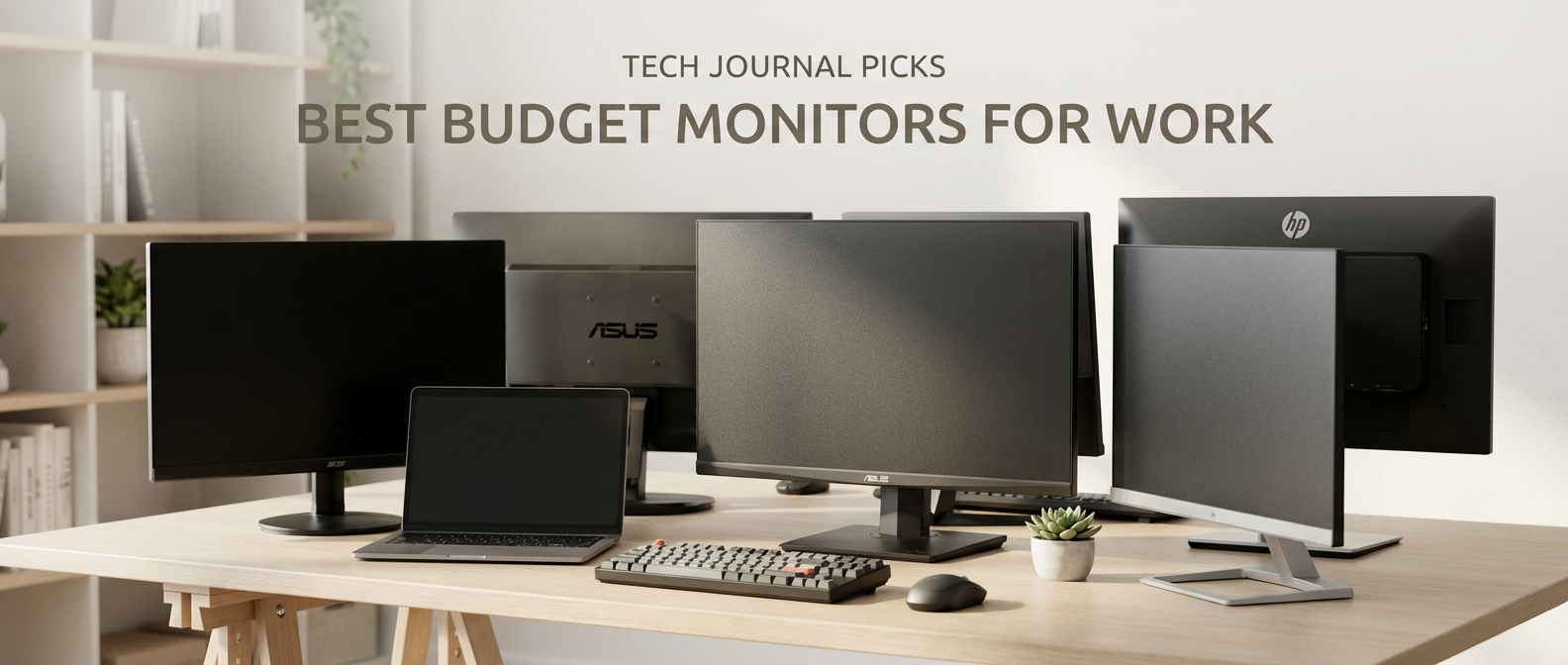
Here’s a list of the best budget monitors for work in 2026, fresh from my testing lab (aka my cluttered home office). I’ve spent the last few weeks staring at screens, tweaking settings, and generally abusing these things so you don’t have to. So, if you’re setting up a work from home setup and are on a budget, you’ve come to the right place.
Why 1080p Still Rules the Budget Monitor Game
Here’s the thing: you don’t need 4K for most work-from-home tasks. Seriously. Unless you’re a video editor or a graphics designer (and even then, you’re probably not reading my blog!), a crisp 1080p (1920×1080) monitor is perfectly fine. It’s sharp enough for text, great for spreadsheets, and won’t break the bank.
Why the continued love for 1080p? Primarily cost. High-resolution monitors, especially those with good color accuracy and refresh rates, are still significantly pricier than their 1080p counterparts. You’re going to get far more features for your money at the 1080p level. Also, smaller pixels mean you need more powerful hardware to drive the display at a decent refresh rate. Another point is the higher the resolution, the more “stuff” your computer is pushing, which can slow down your workflows. Lastly, a lot of budget monitors, especially those for work, are still being made with 1080p resolution because it’s what consumers want.
For work, the extra pixels of a 1440p (2560×1440) or 4K display are often wasted. You’re staring at documents, websites, and spreadsheets. A well-tuned 1080p monitor gives you enough screen real estate to comfortably work on multiple windows and it is much more affordable than the alternatives. It’s a win-win.
Another advantage of 1080p monitors is that they tend to have better compatibility with older hardware. If you’re using a slightly older laptop or a budget desktop setup, a 1080p monitor will likely run smoother and require less processing power.
Top Budget Monitors for Productivity Beasts
Now, let’s get down to brass tacks. Based on my testing, here are a few of the best budget monitors for work that you can actually buy right now:
The Acer SB220Q – Simple, Solid, and Surprisingly Good
The Acer SB220Q is the workhorse of the budget monitor world. It’s been around for a while, and for good reason: it gets the job done without any fuss. You can usually find it for around $100-$120.
* **Pros:**
* **Slim Design:** It’s got a nice, thin bezel, which is great if you plan on using multiple monitors. This makes for a more seamless multi-monitor setup.
* **IPS Panel:** The IPS (In-Plane Switching) panel delivers good color accuracy and wide viewing angles. This means the image looks consistent even if you’re not sitting directly in front of it.
* **Built-in Speakers:** While they’re not going to blow you away, the built-in speakers are perfectly adequate for video calls and the occasional YouTube video. (Don’t expect audiophile quality, though.)
* **Cons:**
* **Limited Ports:** It has the bare minimum: HDMI and VGA. No DisplayPort.
* **The Stand:** The stand is a bit flimsy, and doesn’t offer any height adjustment.
Honestly, for the price, the Acer SB220Q is a steal. It’s not flashy, but it’s reliable and gets the job done. If you’re looking for a no-frills, dependable monitor for work, this is a solid choice.
The Dell SE2422H – More Features, More Value?
If you’re willing to spend a little bit more, the Dell SE2422H offers a step up in features and build quality. Usually costs around $140 – $160.
* **Pros:**
* **Adjustable Stand:** Unlike the Acer, the Dell SE2422H has a height-adjustable stand, which is a HUGE plus for ergonomics. Being able to position the screen at eye level is essential for preventing neck strain during those long work sessions.
* **More Ports:** Includes both HDMI and DisplayPort, offering more connectivity options.
* **Better Build Quality:** The Dell feels more substantial and durable than the Acer.
* **Cons:**
* **Slightly Higher Price:** It’s a bit more expensive than the Acer.
* **Color Accuracy:** While the colors are decent, they’re not quite as vibrant as some other IPS panels.
In my experience, the Dell SE2422H is a worthwhile upgrade. The adjustable stand alone makes it worth the extra money, and the added ports are a bonus.
The AOC 24V2H – Ultra-Thin with a Stylish Look
Look, if you care about aesthetics, the AOC 24V2H is a great option. It’s got a super-slim profile and a sleek design that looks great on any desk. You can usually snag one for around $120.
* **Pros:**
* **Stylish Design:** The ultra-thin bezels and minimalist design give it a premium feel. It’s one of the best-looking budget monitors I’ve tested.
* **Fast Refresh Rate (75Hz):** A slightly faster refresh rate (compared to the usual 60Hz) can make a noticeable difference in responsiveness, especially if you’re scrolling through websites or working with animations.
* **IPS Panel:** Great colors and wide viewing angles.
* **Cons:**
* **The Stand:** The stand is a bit basic, with minimal adjustment options.
* **No Built-in Speakers:** You’ll need external speakers or headphones.
Honestly, I really like the AOC 24V2H. It’s a great blend of style and substance. If you’re willing to sacrifice the built-in speakers, it’s an excellent choice.
What to Look for in the Best Budget Monitors for Work
So, what should you actually look for when choosing a budget monitor? Here’s a quick rundown of the key features:
* **Resolution:** As I mentioned, 1080p is the sweet spot for most work-from-home tasks.
* **Panel Type:** IPS (In-Plane Switching) panels are generally preferred for work because they offer better color accuracy and wider viewing angles than TN (Twisted Nematic) panels. This means the image looks good no matter where you’re sitting.
* **Size:** 24 inches is ideal for most users. It provides enough screen real estate without being overwhelming. If you want a bigger screen size, you can usually find 27-inch monitors in this price range, but be aware that the pixel density might be a bit lower.
* **Refresh Rate:** A refresh rate of 60Hz is standard, but some monitors offer 75Hz, which can provide a slightly smoother experience.
* **Ports:** Make sure the monitor has the ports you need. HDMI is the most common, and DisplayPort is a nice bonus. VGA is still around on some budget models.
* **Ergonomics:** An adjustable stand is a huge plus. Being able to adjust the height of the monitor is essential for maintaining good posture and preventing eye strain. Tilt adjustment is also helpful.
Best Budget Monitors for Work: Feature Comparison
Here’s a quick comparison of the monitors I mentioned above:
| Feature | Acer SB220Q | Dell SE2422H | AOC 24V2H |
| —————- | ———– | ———— | ——— |
| **Price (approx)** | $100-$120 | $140-$160 | $120 |
| **Resolution** | 1080p | 1080p | 1080p |
| **Panel Type** | IPS | IPS | IPS |
| **Size** | 21.5 inch | 23.8 inch | 23.8 inch |
| **Refresh Rate** | 75Hz | 75Hz | 75Hz |
| **Ports** | HDMI, VGA | HDMI, DP | HDMI, VGA |
| **Adjustable Stand** | No | Yes | No |
| **Built-in Speakers** | Yes | Yes | No |
| **Best For** | Simple use | Ergonomics | Style |
Avoiding the Pitfalls: What to Watch Out For
Now, let’s talk about what to avoid when choosing a budget monitor. Here’s a quick list of things I’d steer clear of:
* **TN Panels:** While TN panels are often cheaper, they generally have poor color accuracy and narrow viewing angles. Unless you’re on a *very* tight budget, go for an IPS panel.
* **Low Contrast Ratios:** Look for a contrast ratio of at least 1000:1. This will ensure that blacks are dark and colors look vibrant.
* **Limited Adjustment Options:** A monitor with a fixed stand can be a pain. Try to get one with at least tilt adjustment, and ideally height adjustment as well.
* **Weak Build Quality:** Budget monitors sometimes feel cheap and flimsy. Look for reviews that mention the build quality. A monitor that feels wobbly or unstable isn’t going to last.
Where to Buy the Best Budget Monitors for Work
You can find all of these monitors on Amazon, Best Buy, and other major retailers. I always recommend checking multiple stores for the best price, since prices can fluctuate. Don’t be afraid to check out smaller retailers as well — you may discover a good deal!
The Verdict: My Top Recommendation for 2026
For most people, I’d recommend the Dell SE2422H. The adjustable stand makes a huge difference in terms of comfort and ergonomics. You will be sitting in front of these things for hours every day, so you need to keep your posture up to prevent pain and strain. While the color isn’t perfect, it offers a great blend of features and value.
Final Thoughts: Don’t Overspend!
Honestly, there’s no need to spend a fortune on a monitor for work. A good budget monitor will provide a great viewing experience. So, don’t feel like you have to break the bank.
And there you have it: my picks for the best budget monitors for work in 2026. I hope this helps you find the perfect monitor to boost your productivity.