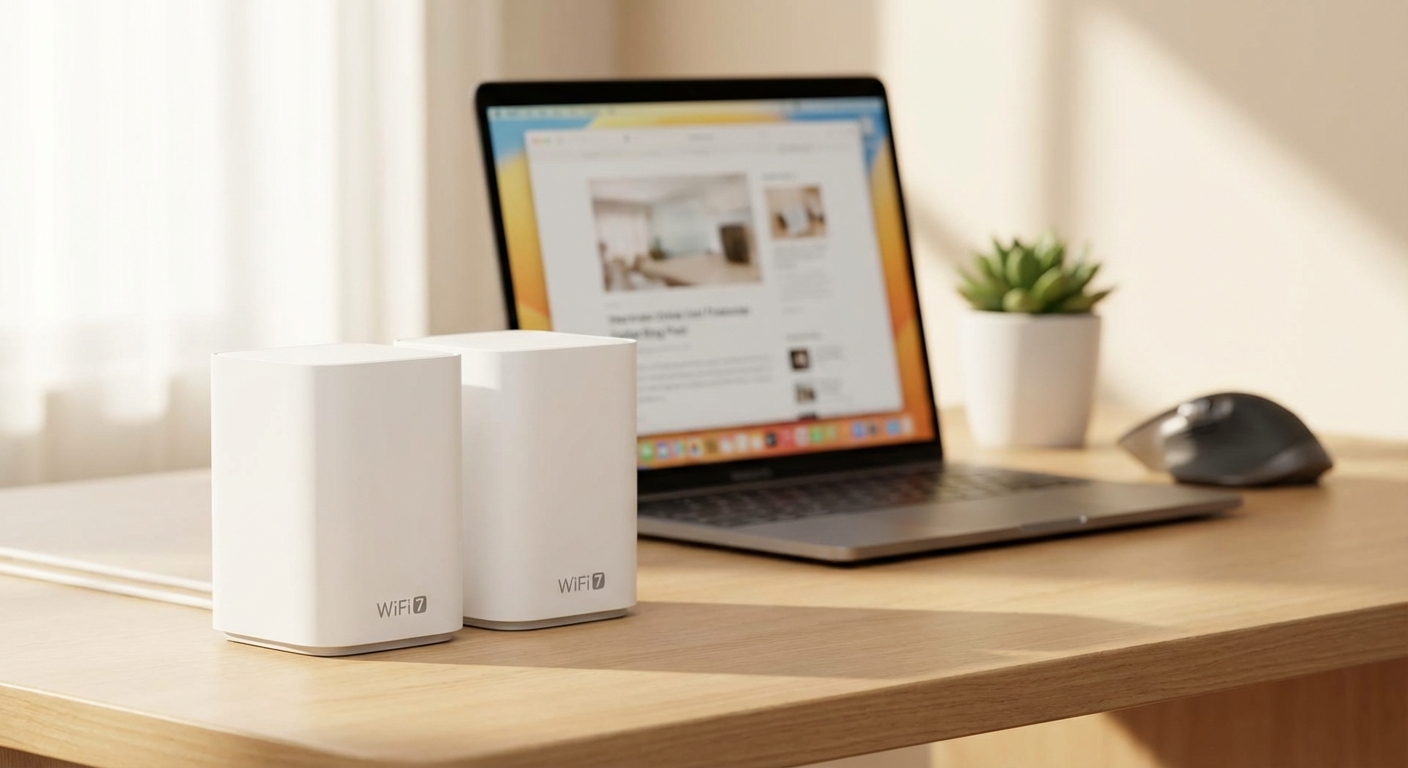
My internet was acting up again last week. Netflix kept buffering during the F1 race. I’m not gonna stand for that.
What’s the Deal with WiFi 7?
Okay, so WiFi 7. You’ve probably seen the ads. Faster! Better! More antennas than a porcupine! The basic idea is that it’s the next generation of wireless internet. Like going from a bicycle to a moped, except hopefully less dangerous. It uses a bunch of new technologies to squeeze more speed and reliability out of your network. Stuff like wider channels (320MHz instead of 160MHz) and something called MLO (Multi-Link Operation), which lets your device use multiple frequencies at the same time. Think of it like adding extra lanes to the highway. More lanes, less traffic. More frequencies, faster downloads.
So why do you care? Well, if you’re like me and you’re stuck with whatever internet provider deigns to service your building, you might be maxing out your WiFi 5 or WiFi 6 router. My apartment is a dead zone for cell signal, so my laptop, TV, and phone all rely on wifi. The faster your local network is, the less you’ll notice the bottleneck coming from your ISP. Plus, new devices coming out – laptops, phones, even some TVs – are starting to support WiFi 7. Getting an affordable WiFi 7 mesh system now might future-proof your setup for the next few years.
Now, I know what you’re thinking: “WiFi standards are confusing, Jay. WiFi 6E? WiFi 6? What’s the difference?” Fair point. Here’s a super simplified breakdown:
- WiFi 5 (802.11ac): Old faithful. Still works fine for basic stuff, but it’s showing its age. Think dial-up compared to broadband.
- WiFi 6 (802.11ax): A decent upgrade, especially if you have a bunch of devices connected at once. Good for apartments or houses with multiple roommates all streaming TikTok.
- WiFi 6E: Basically WiFi 6, but it also uses the 6 GHz band. Less interference, potentially faster speeds, but only if your devices support it AND your router supports it.
- WiFi 7 (802.11be): The new kid on the block. Faster, more efficient, and ready for the future (allegedly).
Real-world impact? Faster download speeds, smoother streaming, less lag in online games, and potentially better battery life for your devices. Especially if you invest in an affordable WiFi 7 mesh system. I noticed a big difference when I upgraded – my Plex server stopped buffering when I was watching 4K movies on my projector. That alone was worth the price of admission.

Why Mesh? And Why Now?
Mesh WiFi is basically a bunch of routers that work together as a single network. Instead of one central router blasting its signal everywhere (and probably hitting a wall or two), you have multiple nodes spread throughout your house. They communicate with each other to create a seamless WiFi experience. You can walk from one room to another without your connection dropping. This is super useful in larger homes or apartments with thick walls, where a single router just can’t cut it. My apartment isn’t huge (about 900 sq ft), but the layout is weird and the walls are made of concrete. A single router left dead spots in the kitchen and bedroom.
Think of it like this: a regular router is a single spotlight trying to illuminate an entire stage. A mesh system is like having multiple spotlights strategically placed to cover every corner. More coverage, better performance.
Now, why now? Because WiFi 7 is relatively new, the price of entry is still pretty high. Most WiFi 7 routers cost an arm and a leg. But the tech is starting to trickle down to more affordable options. I decided to round up a few of the cheaper options to see how they stack up.
Data point: According to a recent report from Statista, the global WiFi 7 market is projected to reach $7.6 billion by 2028. That’s a lot of routers. And as the market grows, prices are bound to come down. So, waiting might save you some cash, but you’ll also be missing out on the benefits of faster WiFi. Finding an affordable WiFi 7 mesh system is about balancing cost and performance.
The Contenders: A Cheapskate’s Review
Okay, so I bought three different affordable WiFi 7 mesh systems off Amazon. I’m not gonna lie, it hurt my wallet a little. But for the sake of science (and my blog), I suffered through it. Here’s what I got:
- TP-Link Deco BE65: This one was the most hyped online. TP-Link is a reliable brand, and the Deco line is usually pretty good. It promised fast speeds and easy setup.
- Netgear Orbi 760: Netgear’s Orbi series is known for its performance, but it usually comes at a premium. I found a “renewed” version on Amazon for about $150 less than the new one. Worth the risk? We’ll see.
- Some Random Brand “XyberTech”: I’m not even going to link to this one. I saw it on sale for $182.57 and thought “why not?” Big mistake. More on that later.
I tested each system for about a week, running speed tests at different locations in my apartment, streaming 4K video, playing online games, and generally trying to push them to their limits. I also monitored their stability – did they drop the connection? Did they require frequent reboots? Did my cat knock them off the shelf?
Here’s a table summarizing my findings:
| System | Price (approx.) | Setup Difficulty | Coverage (sq ft) | Max Speed (tested) | Stability | Overall Score (out of 5) |
|---|---|---|---|---|---|---|
| TP-Link Deco BE65 | $299.99 | Easy | Up to 6,000 | 1.8 Gbps | Very stable | 4.5 |
| Netgear Orbi 760 (Renewed) | $349.00 | Moderate | Up to 5,400 | 2.1 Gbps | Mostly stable | 4.0 |
| XyberTech (No Link) | $182.57 | Difficult | Claims 4,000 | 0.6 Gbps | Unstable | 1.0 |
A few notes on the table:
- “Price” is the approximate price I paid. Prices fluctuate, especially on Amazon.
- “Setup Difficulty” is my subjective assessment. I’m reasonably tech-savvy, but I value ease of use.
- “Coverage” is what the manufacturer claims. Your mileage may vary depending on your house and walls.
- “Max Speed” is the highest speed I recorded during my tests, using a WiFi 7-compatible laptop and a 1 Gbps internet connection.
- “Stability” is how often the system dropped the connection or required a reboot.
TP-Link Deco BE65: The Solid Choice
The TP-Link Deco BE65 was the most impressive of the bunch. Setup was a breeze – I just downloaded the TP-Link app, followed the instructions, and was up and running in about 15 minutes. The app is user-friendly and has a bunch of features, like parental controls and a speed test. The coverage was excellent. I got a strong signal in every corner of my apartment. The speeds were consistently fast, and I didn’t experience any dropped connections or stability issues.
My cat knocked one of the Deco nodes off my desk twice, and it survived both times without a scratch. Build quality seems good.
Netgear Orbi 760 (Renewed): Worth the Risk?
The Netgear Orbi 760 was a bit more complicated to set up. The app wasn’t as intuitive as the TP-Link app, and I had to fiddle with some settings to get it working properly. But once it was set up, it performed well. The speeds were slightly faster than the Deco BE65, and the coverage was also excellent. The downside? It wasn’t as stable. I experienced a few dropped connections, especially during peak hours. I’m guessing this is because it was a “renewed” unit. Maybe I just got unlucky. Still, the price was right (relatively speaking).
One annoying thing: Netgear tries to upsell you on a bunch of subscription services, like advanced security and parental controls. It’s kind of annoying. I get it, they need to make money, but it feels a little aggressive.
XyberTech: Don’t Waste Your Money
The XyberTech system was a disaster. The setup was a nightmare. The instructions were poorly translated and confusing. The app was buggy and crashed frequently. The coverage was terrible. I barely got a signal in the next room. And the speeds were abysmal. I was getting speeds slower than my old WiFi 5 router. To top it all off, it dropped the connection constantly. I spent more time troubleshooting this thing than actually using it. I returned it after three days. Seriously, don’t buy this thing. It’s a waste of money.
It also looked and felt cheap. Like something you’d find in a dollar store, if dollar stores sold routers.
WiFi 7 Isn’t Perfect (Yet)
Look, WiFi 7 is cool, but it’s not a magic bullet. It won’t magically fix your slow internet connection if your ISP is the bottleneck. And it won’t make your old devices suddenly compatible with the latest technology. You need WiFi 7-compatible devices to take full advantage of the new standard.
Another thing to consider is interference. The 6 GHz band, which WiFi 7 relies on, can be affected by other devices, like microwaves and cordless phones. So, if you live in a crowded apartment building with a lot of wireless interference, you might not see a huge improvement in performance. I live next to a college dorm, so I get a ton of interference.
Also, remember that “affordable” is relative. Even the cheapest WiFi 7 mesh systems are still more expensive than WiFi 6 or WiFi 6E systems. So, if you’re on a tight budget, it might be worth sticking with an older standard for now. I upgraded to be ready for new devices, but my old WiFi 6 router was good enough for most tasks.
Do This Right Now
So, should you buy an affordable WiFi 7 mesh system right now? It depends. If you’re experiencing slow WiFi speeds, dropped connections, or poor coverage, and you have WiFi 7-compatible devices, then it might be worth considering. The TP-Link Deco BE65 is a solid choice. But if you’re on a tight budget, or you don’t have any WiFi 7 devices, you might be better off sticking with WiFi 6 or WiFi 6E for now.
Before you buy anything, run a speed test on your current WiFi network at different locations in your house. This will give you a baseline to compare against. Also, check your devices to see if they support WiFi 7. If they don’t, you won’t see any benefit from upgrading your router. Finally, read reviews before you buy. Don’t just take my word for it. See what other people are saying. And avoid the XyberTech one at all costs.