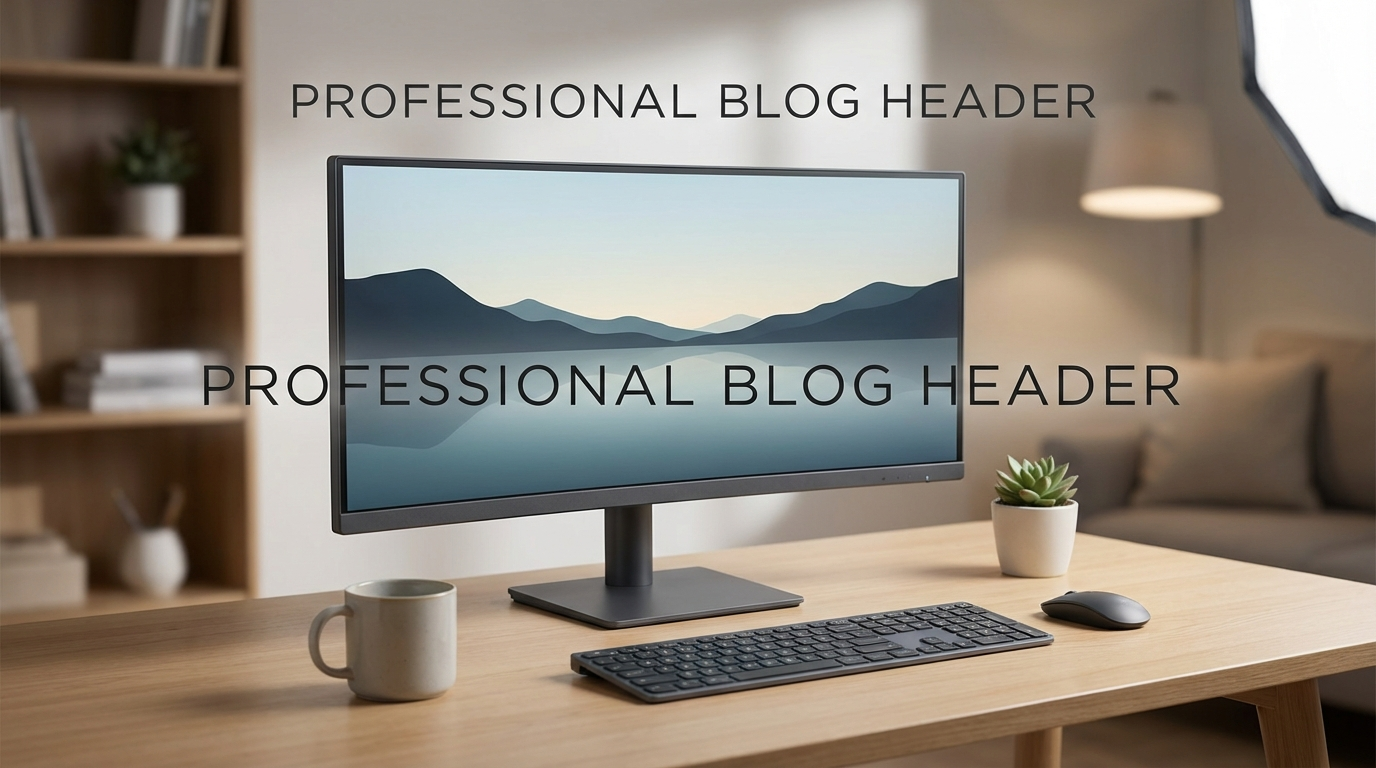
Why Your Next Monitor Should Be Ultrawide (and Affordable Options)
Okay, let’s be honest. We’ve all looked at those stunning ultrawide monitor setups and felt a pang of envy. The immersive experience, the sheer amount of screen real estate…it’s a tech dream. But then the price tag snaps us back to reality. “Too expensive,” we sigh, and stick with our perfectly adequate (but now suddenly inadequate) single monitor. But what if I told you that you could join the ultrawide revolution without breaking the bank? That’s right, getting an affordable ultrawide monitor is more attainable than you might think! In this post, we’ll explore the reasons why you should consider going ultrawide, and more importantly, how to do it on a budget.

The Ultrawide Advantage: More Than Just Looks
So, why all the hype around ultrawide monitors? It’s not just about bragging rights (though, let’s be real, it is a little bit about that!). There are some genuinely compelling advantages to making the switch:
Increased Productivity
This is where the ultrawide really shines. Think about how you work. Do you constantly switch between multiple windows? Are you always resizing and rearranging applications? An ultrawide monitor gives you the space to have multiple windows open side-by-side without feeling cramped. Imagine having your coding environment on one side, your documentation on the other, and your communication app in the middle. Or, if you’re a writer, you can have your document open in full view while keeping your research materials readily accessible. The ability to see and interact with multiple applications simultaneously drastically reduces the need for constant alt-tabbing, leading to a significant boost in productivity. For spreadsheet warriors, the extra horizontal space is a godsend, allowing you to see more columns without endless scrolling.
Immersive Gaming
Gamers, listen up! An ultrawide monitor can completely transform your gaming experience. The wider field of view allows you to see more of the game world, creating a more immersive and engaging experience. You’ll spot enemies lurking in the shadows, appreciate the sprawling landscapes, and feel more connected to the action. Many modern games are optimized for ultrawide resolutions, taking full advantage of the extra screen real estate. Just be sure your graphics card is up to the task of rendering at the higher resolution!
Enhanced Entertainment
While not all movies and TV shows are filmed in ultrawide aspect ratios (21:9 is the standard), those that are look absolutely stunning. Even content in the standard 16:9 aspect ratio benefits from the larger screen size, providing a more cinematic viewing experience. The extra width also provides more space for subtitles and on-screen information without feeling cluttered.
Reduced Cable Clutter (Potentially)
Replacing a dual-monitor setup with a single ultrawide can simplify your cable management. Instead of having two monitors connected to your computer, you only have one. This can free up desk space and make your setup look cleaner and more organized.
Finding Your Affordable Ultrawide Monitor: What to Look For
Now for the important part: finding an affordable ultrawide monitor that meets your needs without emptying your wallet. Here are some key considerations:
Resolution
Resolution is crucial for image quality and clarity. For ultrawide monitors, the most common resolutions are:
- 2560×1080 (UW-FHD): This is the entry-level resolution for ultrawide monitors. It’s less demanding on your graphics card, making it a good option for budget-conscious gamers and users with older PCs. However, pixel density can be lower on larger screen sizes, leading to a less sharp image.
- 3440×1440 (UW-QHD): This is the sweet spot for most users. It offers a significant upgrade in sharpness and detail compared to UW-FHD, while still being reasonably affordable. A good graphics card is recommended for gaming at this resolution.
- 5120×1440 (UW-DQHD): Also known as “super ultrawide,” this resolution offers an incredibly immersive experience. However, it’s more expensive and requires a powerful graphics card.
For an affordable ultrawide monitor, UW-FHD or UW-QHD are your best bets. Consider the screen size and viewing distance to determine which resolution is right for you. A larger screen will benefit more from the higher pixel density of UW-QHD.
Panel Type
The panel type affects color accuracy, viewing angles, and response time. The most common panel types are:
- IPS (In-Plane Switching): Known for excellent color accuracy and wide viewing angles. Ideal for content creators and anyone who values accurate colors. Response times are typically slower than TN panels.
- VA (Vertical Alignment): Offers a good balance of color accuracy, contrast ratio, and response time. VA panels typically have deeper blacks than IPS panels, making them a good choice for gaming and movies.
- TN (Twisted Nematic): The fastest panel type, with low response times and high refresh rates. Ideal for competitive gaming. However, TN panels typically have poorer color accuracy and narrower viewing angles.
For general use and gaming, a VA panel is often the best choice for an affordable ultrawide monitor, offering a good balance of performance and image quality. If color accuracy is paramount, an IPS panel is the way to go, but expect to pay a bit more.
Refresh Rate and Response Time
These are important considerations for gamers. Refresh rate refers to how many times per second the monitor updates the image, measured in Hertz (Hz). A higher refresh rate (e.g., 144Hz or higher) results in smoother motion and less blur, especially in fast-paced games. Response time is how long it takes for a pixel to change color, measured in milliseconds (ms). A lower response time reduces ghosting and blurring. For competitive gaming, look for a monitor with a refresh rate of at least 144Hz and a response time of 5ms or less. For casual gaming and general use, a 75Hz or 100Hz refresh rate is usually sufficient.
Features
Consider these features based on your needs:
- Adaptive Sync (FreeSync or G-Sync): Helps reduce screen tearing and stuttering by synchronizing the monitor’s refresh rate with your graphics card’s output. FreeSync is generally more affordable than G-Sync.
- HDR (High Dynamic Range): Enhances the contrast and color range, resulting in a more vibrant and realistic image. However, the quality of HDR implementation can vary widely. Look for monitors with a higher HDR certification (e.g., DisplayHDR 400 or higher).
- Built-in Speakers: Convenient for basic audio, but dedicated speakers or headphones will provide a much better sound experience.
- Adjustable Stand: Allows you to adjust the height, tilt, and swivel of the monitor for optimal viewing comfort.
- Connectivity: Make sure the monitor has the ports you need, such as HDMI, DisplayPort, and USB.
Brands and Budget Considerations
Many brands offer affordable ultrawide monitors. Look at brands like:
- LG: Offers a wide range of ultrawide monitors, including budget-friendly options.
- Samsung: Known for their VA panels and gaming monitors.
- AOC: A popular brand for affordable gaming monitors.
- MSI: Another brand that focuses on gaming monitors.
- Gigabyte/Aorus: Known for their high end gaming monitors and PC components, they often have deals on some more affordable models.
- Monoprice: A great option for budget-conscious shoppers, offering surprisingly good quality for the price.
Keep an eye out for sales and discounts. Black Friday, Cyber Monday, and other holidays are excellent times to find deals on monitors. You can often find refurbished or open-box monitors at discounted prices, but be sure to check the seller’s return policy before purchasing.
Affordable Ultrawide Monitor Recommendations (Example Budget Options)
Please note that prices fluctuate, but here are some example monitors that often fall into the “affordable” category. Check current prices before purchasing!
- AOC CU34G2X: A popular 34-inch UW-QHD monitor with a 144Hz refresh rate and a VA panel. Offers a good balance of performance and price.
- LG 34WP65G-B: A 34-inch UW-QHD monitor with an IPS panel and FreeSync. A good option for content creation and general use.
- VIOTEK GNV34DBE: A curved 34-inch UW-QHD monitor with a 144Hz refresh rate and a VA panel. Offers a good value for gamers.
- Monoprice Dark Matter 34in Zero-G Curved Gaming Monitor: Known for a very attractive price for a 144Hz UW-QHD panel.
Remember to read reviews and compare specifications before making a purchase. The “best” monitor for you will depend on your individual needs and budget.
Setting Up Your Ultrawide Monitor
Once you’ve got your affordable ultrawide monitor, here are a few tips for setting it up:
- Adjust the Display Settings: Configure the resolution, refresh rate, and color settings to your preferences.
- Install Drivers: Make sure you have the latest drivers for your monitor and graphics card.
- Use Window Management Tools: Consider using a window management tool like Microsoft PowerToys FancyZones, DisplayFusion or Ultrawide Tools to easily arrange windows on your ultrawide screen. These tools allow you to create custom layouts and quickly snap windows into place.
- Ergonomics: Ensure your monitor is positioned at the correct height and distance to prevent eye strain and neck pain. The top of the screen should be at or slightly below eye level.
- Experiment with Different Uses: Try different window configurations and workflows to find what works best for you.
Conclusion: Embrace the Ultrawide Experience Without Breaking the Bank
An ultrawide monitor can be a game-changer for productivity, gaming, and entertainment. While high-end models can be expensive, there are plenty of affordable ultrawide monitor options available that offer excellent value for the money. By considering factors like resolution, panel type, refresh rate, and features, you can find a monitor that meets your needs and budget. Don’t be afraid to explore different brands and models, and keep an eye out for sales and discounts. With a little research, you can upgrade your viewing experience without emptying your wallet and enjoy the immersive world of ultrawide displays. Happy viewing!