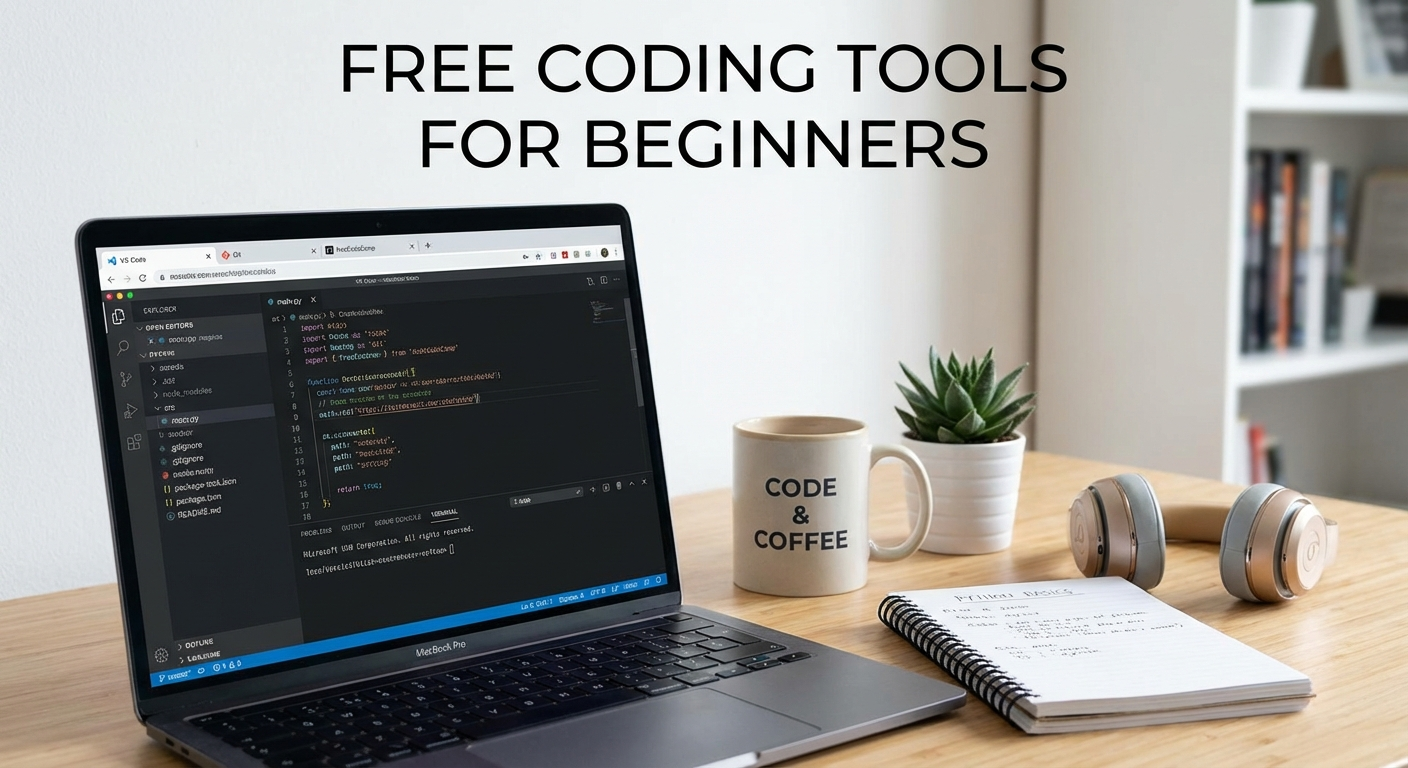
Free Coding Tools for Beginners: Start Learning Without Spending Money
So, you want to learn to code? Awesome! The world of programming is vast and exciting, and the best part is you don’t need a mountain of cash to get started. Many people think you need expensive software or courses, but the truth is, there are tons of fantastic free coding tools for beginners available right now. This blog post will walk you through some of the best, most accessible, and completely free resources to kickstart your coding journey. Let’s ditch the financial barriers and dive right in!

Online Integrated Development Environments (IDEs): Your Browser-Based Code Labs
One of the easiest ways to start coding is directly in your web browser. Online IDEs offer a complete coding environment without requiring you to install anything on your computer. This is perfect for beginners who don’t want to deal with complicated setup processes. Here are a few standout options:
CodePen
CodePen is a popular online IDE, especially for front-end development (HTML, CSS, and JavaScript). It’s essentially a social coding playground where you can write code, see the results instantly, and share your creations with the world. It’s great for experimenting with small snippets of code and learning by example. You can also fork other people’s projects and tweak them to your liking, a powerful learning technique.
Pros:
- Easy to use and get started.
- Real-time preview of your code.
- Large community and tons of example projects.
- Great for front-end web development.
- Social platform – see others’ code and get inspired!
Cons:
- Not ideal for large or complex projects.
- Limited back-end capabilities.
- Relies on an internet connection.
JSFiddle
Similar to CodePen, JSFiddle is another excellent online IDE primarily focused on front-end web development. It allows you to quickly prototype web applications using HTML, CSS, and JavaScript. It’s super useful for isolating and debugging specific parts of your code. You can easily share your “fiddles” (code snippets) with others, making it a great tool for collaboration and getting help.
Pros:
- Simple and straightforward interface.
- Ideal for testing and debugging code snippets.
- Easy sharing of code.
- Supports various JavaScript libraries and frameworks.
Cons:
- Limited features compared to full-fledged IDEs.
- Not suitable for large-scale projects.
- Requires an internet connection.
Repl.it
Repl.it is a versatile online IDE that supports a wide range of programming languages, including Python, Java, C++, JavaScript, and many more. It’s perfect for beginners who want to explore different languages without installing anything. Repl.it also offers collaborative features, allowing you to code with others in real time. It also integrates with GitHub, making it easy to manage your projects.
Pros:
- Supports a wide variety of languages.
- Collaborative coding features.
- Integrated with GitHub.
- Easy to use and set up.
Cons:
- Can be slow at times, especially with larger projects.
- Storage limitations in the free plan.
- Requires an internet connection.
Recommendation: For front-end development, CodePen and JSFiddle are excellent choices. For exploring multiple languages and collaborative coding, Repl.it is a great option.
Text Editors: The Lightweight Champions
Text editors are simpler than full-fledged IDEs. They don’t offer all the bells and whistles, but they’re lightweight, fast, and highly customizable. They are designed for writing and editing code, and often come with syntax highlighting and other helpful features.
Visual Studio Code (VS Code)
While Microsoft’s Visual Studio is a powerful (and often paid) IDE, Visual Studio Code is a completely free and open-source text editor that’s become incredibly popular among developers. It’s packed with features like syntax highlighting, intelligent code completion (IntelliSense), debugging support, Git integration, and a vast library of extensions. VS Code supports a wide range of programming languages, making it a great choice for beginners and experienced developers alike.
Pros:
- Free and open-source.
- Extensive library of extensions.
- Excellent support for various languages.
- Built-in Git integration.
- Powerful debugging tools.
Cons:
- Can be resource-intensive compared to simpler text editors.
- Requires some setup and configuration.
Sublime Text
Sublime Text is a sophisticated text editor known for its speed, flexibility, and user-friendly interface. While it’s technically shareware (you can use it indefinitely without paying), you’ll occasionally be prompted to purchase a license. However, the free version is fully functional. Sublime Text features syntax highlighting, code completion, and a powerful package manager for installing extensions. It’s a great choice for developers who value speed and customization.
Pros:
- Fast and responsive.
- Highly customizable.
- Excellent syntax highlighting and code completion.
- Powerful package manager.
Cons:
- Not completely free (nagware).
- Fewer built-in features compared to VS Code.
Atom
Atom, developed by GitHub, is a free and open-source text editor that’s highly customizable and extensible. It’s built using web technologies (HTML, CSS, and JavaScript), making it relatively easy to modify and extend. Atom offers syntax highlighting, code completion, and a wide range of packages (extensions) that add functionality. It’s a good choice for developers who want a customizable and open-source editor.
Pros:
- Free and open-source.
- Highly customizable.
- Large community and extensive package library.
- Built-in Git integration.
Cons:
- Can be slow at times, especially with many packages installed.
- Relatively resource-intensive.
Recommendation: Visual Studio Code is the top pick for its features, free status, and extensive ecosystem. Sublime Text is a great alternative if you prioritize speed and don’t mind the occasional nag screen. Atom is a solid choice if you want a highly customizable and open-source editor.
Free Learning Resources: Your Path to Coding Mastery
Having the right tools is only half the battle. You also need quality learning resources to guide you on your coding journey. Fortunately, there are many excellent free coding tools for beginners to learn programming languages and concepts.
freeCodeCamp
freeCodeCamp is a non-profit organization that offers free coding courses and certifications. Their curriculum covers a wide range of topics, including HTML, CSS, JavaScript, React, Node.js, and more. freeCodeCamp’s learning approach is hands-on and project-based, which means you’ll learn by building real-world applications. It’s a fantastic resource for anyone who wants to learn to code from scratch.
Pros:
- Completely free.
- Comprehensive curriculum.
- Project-based learning.
- Large and supportive community.
- Offers certifications.
Cons:
- Can be overwhelming for absolute beginners.
- Requires a significant time commitment.
Khan Academy
Khan Academy is a non-profit organization that offers free educational resources on a wide range of subjects, including computer science. Their coding courses cover topics like JavaScript, HTML, CSS, SQL, and computer science fundamentals. Khan Academy’s courses are interactive and beginner-friendly, making them a great choice for those who are new to programming.
Pros:
- Completely free.
- Beginner-friendly courses.
- Interactive exercises and videos.
- Covers a variety of computer science topics.
Cons:
- Less in-depth than some other resources.
- Focuses primarily on JavaScript and web development.
Codecademy (Free Tier)
Codecademy offers interactive coding courses on a wide range of programming languages and technologies. While they have a paid “Pro” tier, their free tier provides access to a significant amount of content. You can learn languages like Python, JavaScript, HTML, CSS, Java, and more. Codecademy’s courses are interactive and engaging, making them a great way to learn by doing.
Pros:
- Interactive and engaging courses.
- Covers a variety of languages and technologies.
- Progress tracking and badges.
Cons:
- Free tier has limited content.
- Requires a subscription for full access.
The Odin Project
The Odin Project is a free and open-source curriculum for learning web development. It provides a structured learning path that covers HTML, CSS, JavaScript, Ruby on Rails, and Node.js. The Odin Project emphasizes hands-on learning and project-based assignments, making it a great choice for those who want to build a portfolio of projects.
Pros:
- Completely free and open-source.
- Structured learning path.
- Project-based learning.
- Focuses on web development.
Cons:
- Can be challenging for absolute beginners.
- Requires a significant time commitment.
YouTube Channels
YouTube is a treasure trove of free coding tutorials. Many experienced developers and educators create high-quality content on various programming languages and technologies. Some popular channels include:
- Traversy Media: Covers a wide range of web development topics.
- The Net Ninja: Offers tutorials on JavaScript, Node.js, React, and more.
- freeCodeCamp.org: Hosts tutorials and live coding sessions.
- Programming with Mosh: Provides clear and concise tutorials on Python, JavaScript, and other languages.
Pros:
- Completely free.
- Vast amount of content available.
- Covers a wide range of topics.
Cons:
- Quality can vary significantly.
- Requires careful selection of reliable channels.
- Can be difficult to find structured learning paths.
Recommendation: freeCodeCamp and The Odin Project are excellent choices for structured learning paths. Khan Academy is great for beginners who want a gentle introduction to coding. Codecademy (free tier) provides interactive learning. YouTube is a valuable resource for supplementing your learning and finding tutorials on specific topics.
Leveraging Community Resources: Get Help and Stay Motivated
Coding can be challenging, and it’s important to have a support system. Fortunately, there are many online communities where you can ask questions, get help, and connect with other learners. These community resources are invaluable for staying motivated and overcoming obstacles.
Stack Overflow
Stack Overflow is a question-and-answer website for programmers. It’s a great place to find solutions to common coding problems. Before posting a question, be sure to search for existing answers. Chances are, someone has already encountered the same issue.
Reddit has numerous subreddits dedicated to programming, such as r/learnprogramming, r/programming, and r/webdev. These subreddits are great for asking questions, sharing your progress, and getting feedback on your code.
Discord Servers
Discord is a popular communication platform for gamers and developers. Many coding communities have Discord servers where you can chat with other members, ask questions, and participate in discussions. Many of the learning platforms, like freeCodeCamp, have active discord servers as well.
GitHub
GitHub is a platform for hosting and collaborating on code. It’s a great place to find open-source projects, contribute to existing projects, and showcase your own code. Engaging with open-source projects is a fantastic way to learn from experienced developers and improve your coding skills.
Tip: Don’t be afraid to ask for help! The coding community is generally very supportive and welcoming to beginners.
Practical Tips for Saving Money on Coding Tools
Even with so many free coding tools for beginners, you might be tempted to spend money on premium resources. Here are a few tips to help you save money on your coding journey:
- Prioritize free resources: Start with the free tools and resources mentioned in this post. Don’t feel pressured to buy expensive software or courses right away.
- Take advantage of free trials: Many paid coding platforms offer free trials. Use these trials to explore different resources and see if they’re a good fit for you.
- Look for discounts and promotions: Keep an eye out for discounts and promotions on paid courses and software. Many platforms offer discounts during holidays or special events.
- Consider community-based learning: Join a local coding meetup or online community. Learning with others can be a great way to stay motivated and share resources.
- Focus on one language at a time: Don’t try to learn too many languages at once. Focus on mastering one language before moving on to the next. This will help you avoid feeling overwhelmed and wasting money on resources you don’t need.
Conclusion: Your Free Coding Adventure Awaits!
Learning to code doesn’t have to break the bank. With the abundance of free coding tools for beginners available, you can embark on your programming journey without spending a dime. From online IDEs to text editors to free learning resources and supportive communities, the tools and support you need are readily available. So, what are you waiting for? Choose a language that interests you, pick a learning resource, and start coding today! Embrace the challenge, stay curious, and enjoy the rewarding experience of learning to code. The world of programming is open to everyone, regardless of their budget.