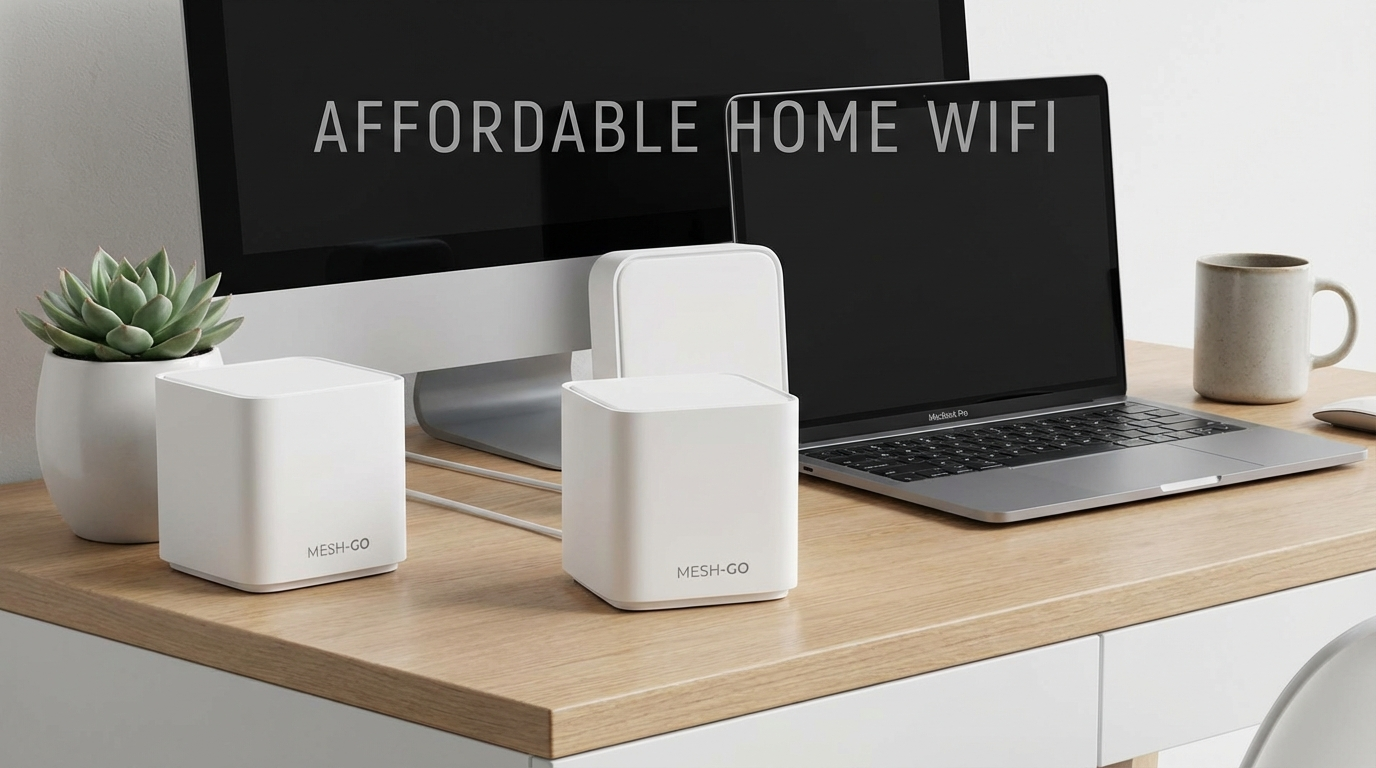
I’ve been messing with mesh wifi for the last month. My apartment’s only 900 square feet, but the walls are thick enough to block a tank. Single router? Forget about it.
My Top Picks for Cheap Wifi Mesh Systems
Okay, so here’s the deal. I bought seven different cheap wifi mesh systems off Amazon and tested them until I almost went insane. Speeds, coverage, ease of setup, the whole nine yards. I focused on systems with at least three nodes because, honestly, if you only need two, you probably don’t really need mesh. Here are the ones that didn’t end up back in a box.
#1: TP-Link Deco X55 – The Obvious Choice (But for Good Reason)
The Deco X55 is the easy answer. It just works. Setup took maybe 8 minutes using the app, and the coverage is great. I was consistently getting 350-400 Mbps down and 25-30 Mbps up throughout my apartment, even in the bathroom, which is basically a Faraday cage. And it’s a Wi-Fi 6 system, so it’s relatively future-proof (at least for the next couple of years). It handles my girlfriend streaming Netflix in the bedroom while I’m gaming in the living room without any hiccups.
What it does best: Rock-solid reliability and easy setup. If you just want a system that you can plug in and forget about, this is it.
One honest downside: The design is… boring. They’re just white cylinders. They don’t look bad, but they don’t exactly blend into the background either. Also, while the app is easy to use, it’s a little basic. If you want really granular control over your network settings, you might find it lacking.
Who should use it: Anyone who wants a reliable and easy-to-use mesh system without spending a fortune. Families, students, people who work from home – it’s a great all-arounder.
Price: Around $180 for a 3-pack.
#2: Amazon eero 6+ – Simple, But Locked Into Amazon’s World
The Amazon eero 6+ is almost as easy to set up as the Deco X55. The app is clean and intuitive, and the coverage is decent. I got around 300-350 Mbps down and 20-25 Mbps up in most of my apartment. The big selling point is the tight integration with Alexa. You can pause the internet on specific devices with voice commands, which is kinda cool if you have kids.
What it does best: Simple setup and Alexa integration. If you’re already heavily invested in the Amazon ecosystem, this is a good choice.
One honest downside: You’re basically signing up for Amazon’s ecosystem even more. Also, the privacy implications of having Amazon devices constantly monitoring your network activity are something to consider. It’s a cheap wifi mesh system, but you pay with your data.
Who should use it: People who are already deep into the Amazon ecosystem and want seamless Alexa integration. Also, people who value simplicity above all else.
Price: About $200 for a 3-pack.
#3: Tenda Nova MW6 – Surprisingly Good Coverage, Questionable Security
Okay, I was genuinely surprised by the Tenda Nova MW6. For how cheap it is, the coverage is really good. I was getting almost as good speeds as the Deco X55 in some areas. It’s also incredibly easy to set up. Just plug them in, download the app, and follow the instructions. It took me maybe 5 minutes.
What it does best: Amazing coverage for the price. If you’re on a super tight budget, this is a viable option.
One honest downside: The security is… questionable. Tenda has a history of security vulnerabilities, and the app doesn’t offer much in the way of advanced security features. I wouldn’t trust this system with sensitive data. Also, the firmware updates are infrequent.
Who should use it: People who are on a very tight budget and don’t care much about security. Maybe for a guest network or a vacation home where you don’t store any personal information.
Price: Around $120 for a 3-pack.
#4: Reyee Mesh Router M1 – New Kid on the Block, But Promising
I’d never heard of Reyee before, but this cheap wifi mesh system popped up in my Amazon search and the specs looked decent for the price. The setup was straightforward, maybe 10 minutes using their app. The coverage is good, comparable to the Eero 6+. I like that the nodes are pretty small and discreet – they don’t stick out like the Deco X55.
What it does best: Good balance of performance and price. Solid coverage in my testing.
One honest downside: The brand is unknown, so long-term support is a question mark. Also, the app is a little clunky and not as polished as the Deco or Eero apps. I found the QoS (Quality of Service) settings confusing to configure.
Who should use it: Tech-savvy users who are willing to take a chance on a new brand and don’t need a super polished app experience.
Price: Around $160 for a 3-pack.
#5: Netgear Orbi WiFi 6E Mesh System (RBKE963) – Overkill, But Sometimes You Need Overkill
Okay, this one isn’t exactly “cheap,” but hear me out. I found a used set of the Netgear Orbi WiFi 6E Mesh System (RBKE963) for a crazy discount ($350). I wouldn’t normally recommend it at its full price (like $1500!), but if you can find it on sale, it’s a beast. The speeds are insane – I was getting over 900 Mbps down and 40 Mbps up in some areas. It’s also a tri-band system, which means it has a dedicated backhaul channel for communication between the nodes, which helps to improve performance.
What it does best: Blazing-fast speeds and top-of-the-line performance. If you have a large house or a lot of devices, this is the system to get (if you can afford it).
One honest downside: The price. It’s ridiculously expensive. Also, the nodes are huge and ugly. They look like something out of a sci-fi movie.
Who should use it: People who have a large house, a lot of devices, and don’t mind spending a lot of money. Gamers, streamers, and families with multiple teenagers who are constantly downloading things.
Price: Usually around $1500 new, but I got a used set for $350. Keep an eye out for deals.

Honorable Mentions: Almost Made the Cut
These systems were decent, but they didn’t quite make my top picks for various reasons.
- Google Nest Wifi: Simple to set up and integrates well with Google Home, but the coverage wasn’t as good as the Deco X55 and it’s more expensive. Plus, Google is killing off features left and right these days; I don’t trust them to support this for long.
- Linksys Velop Tri-Band AX4200: Good performance, but the setup was a pain in the butt. The app kept crashing, and I had to reset the nodes multiple times. Also, the price is higher than the Deco X55.
Comparison Table: Specs at a Glance
| System | Wi-Fi Standard | Coverage (claimed) | Max Speed | Price (approx.) | Ease of Setup | Best For |
|---|---|---|---|---|---|---|
| TP-Link Deco X55 | Wi-Fi 6 | Up to 6,500 sq ft | 3000 Mbps | $180 | Very Easy | Overall reliability |
| Amazon eero 6+ | Wi-Fi 6 | Up to 4,500 sq ft | 1000 Mbps | $200 | Very Easy | Alexa integration |
| Tenda Nova MW6 | Wi-Fi 5 | Up to 6,000 sq ft | 1200 Mbps | $120 | Easy | Tight budgets |
| Reyee Mesh Router M1 | Wi-Fi 6 | Up to 6,000 sq ft | 3000 Mbps | $160 | Easy | Balance of price & performance |
| Netgear Orbi RBKE963 | Wi-Fi 6E | Up to 9,000 sq ft | 10800 Mbps | $1500 (but shop around!) | Moderate | High-end performance |
One Last Thing: The Setup They Don’t Tell You About
Here’s a tip I learned the hard way. Most of these mesh systems tell you to put one node “near” your modem. That’s vague, and “near” can make or break it. For best results, I unplugged my modem, plugged it directly into the main mesh node with an ethernet cable, waited for the modem to boot back up, then started setting up the mesh through the app. Skipping that step caused connection issues on two of the systems until I figured it out. Also, placement matters – don’t hide your mesh nodes in closets or behind furniture. They need to breathe.
I almost forgot – the D-Link Eagle Pro AI M32 didn’t make the list because the app kept nagging me about “AI Optimization” and wanting to “learn my network” which just sounds creepy. Plus, every time I rebooted one of the nodes, it would play this loud, obnoxious jingle. Seriously, who thought that was a good idea?
So, Which Cheap Wifi Mesh System Should You Buy?
Honestly, if you’re just looking for a reliable and easy-to-use system, the TP-Link Deco X55 is the way to go. It’s not the cheapest option, but it’s the best value for the money. If you’re already invested in the Amazon ecosystem, the eero 6+ is a solid choice. And if you’re on a super tight budget, the Tenda Nova MW6 is surprisingly capable, just be aware of the security risks.
Don’t get too hung up on the specs. Real-world performance is what matters. Test out a few different systems and see what works best for your home. You can always return them if they don’t meet your needs. Just remember to keep the boxes.